Your logins,
one click apart.
Session Share keeps the logins you use on a website as named accounts in your browser. Switch between your work and personal account in one click, or hand a time-limited login to your other device or someone you authorize.
Your logins stay encrypted on your device. Our servers never receive cookies, site addresses or account names.

What it does
-
Save and switch your own accounts
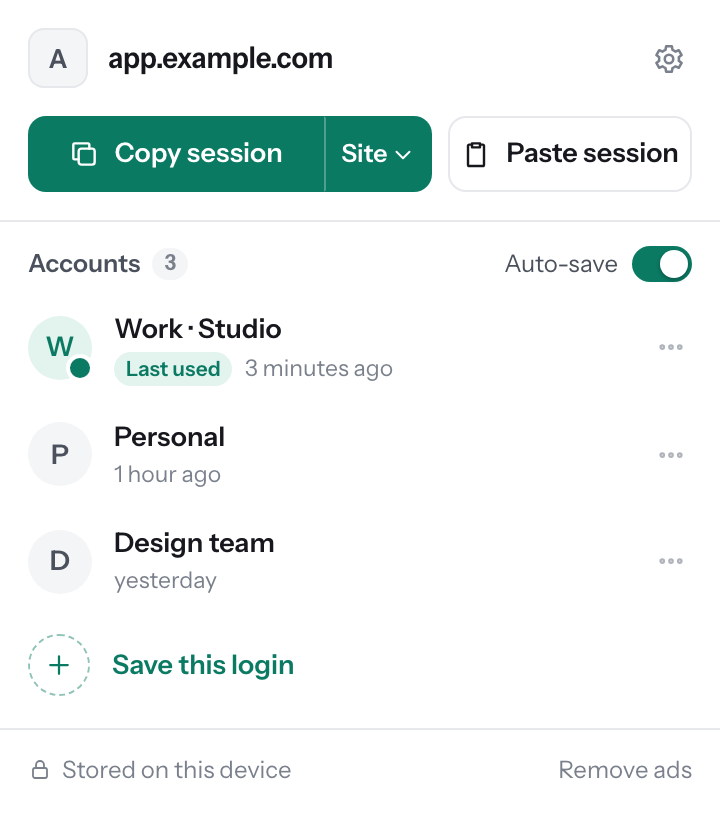
Sign in on a site as usual, then save it as an account, such as Work or Personal. Click an account to switch the site to it; your current login is backed up first. Turn on auto-save for a site and new logins are kept for you. Everything is encrypted with AES-GCM and stored only in your Chrome profile.
-
Hand off a login, with a time limit
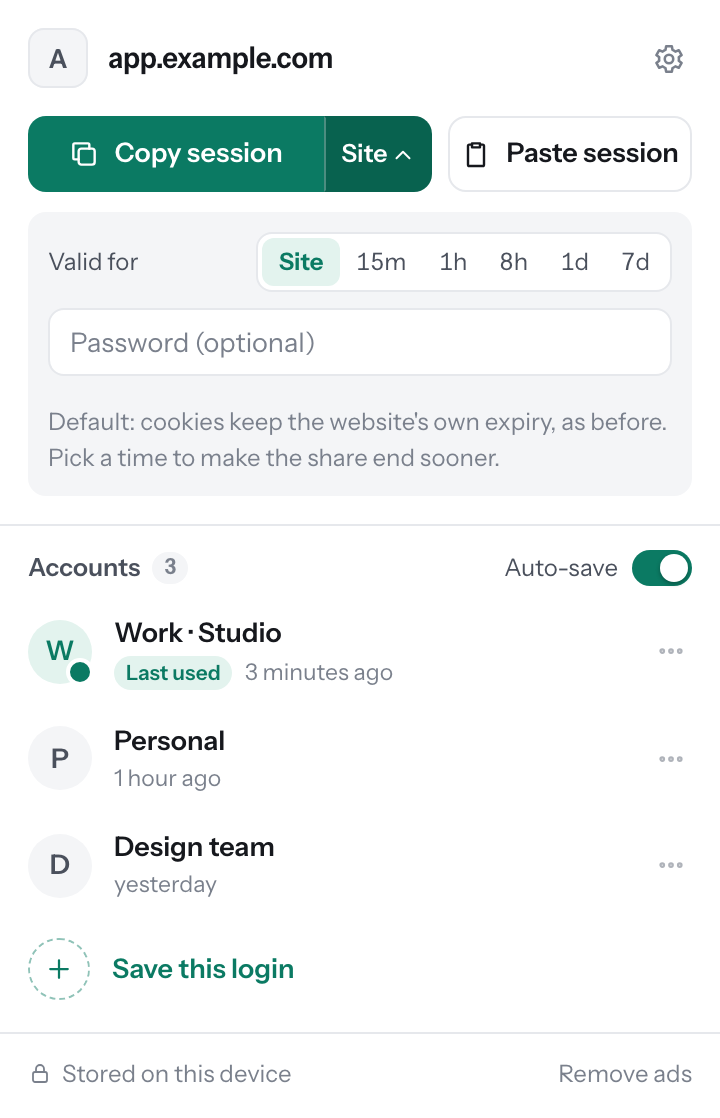
Copy the session to continue on your other computer, or to give access to someone you have authorized. Keep the site's own expiry or choose 15 minutes to 7 days, and protect the code with a password if you like.
Only share accounts you own or are allowed to share. Many websites forbid sharing accounts; follow their terms. See our acceptable use rules.
-
See it before you import
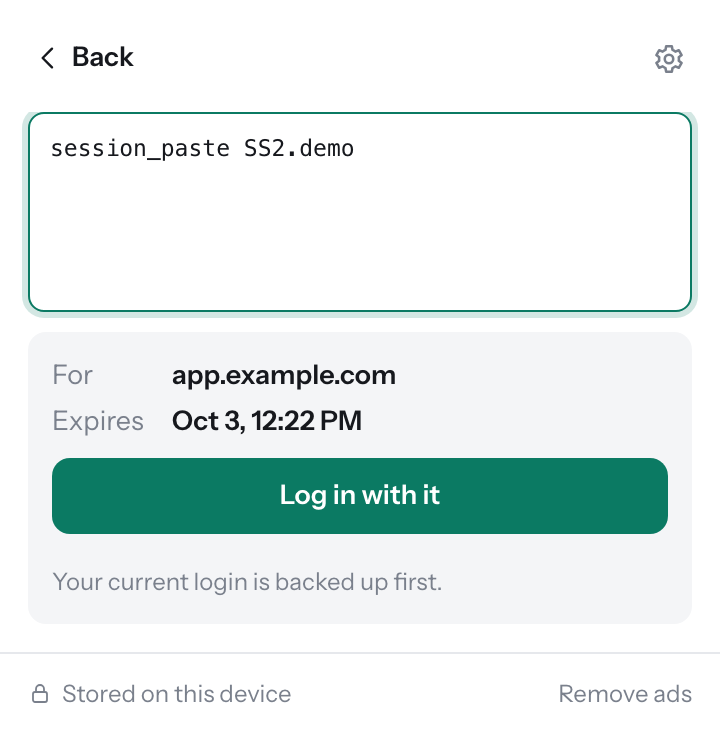
Paste a code and Session Share shows which site it is for and when it expires before anything changes. If a site refuses a cookie you are told which one, instead of being left half signed in.
Free, with one small ad
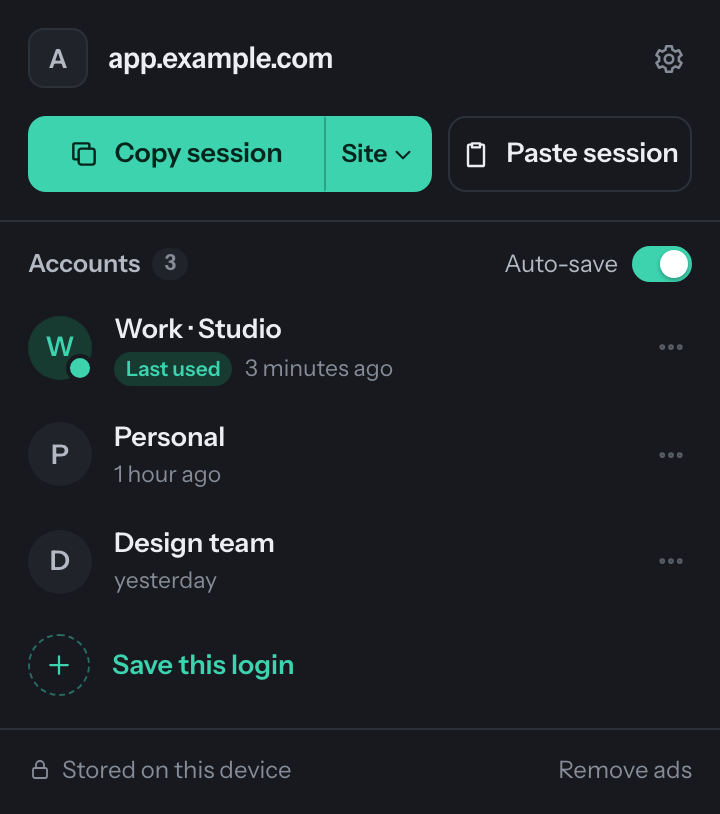
Every feature is free. The free version shows one clearly labeled ad at the bottom of the popup, served by AdsOnBread by extension category and language, not by your browsing. Ads are never injected into websites.
Plus removes it, once
Session Share Plus is a one-time purchase that removes the ad for good: $4.99, $3.49 or $2.49 depending on your region, taxes included. No subscription. See pricing.